
The $1,100 Phone Call: How Scammers Are Using Apple Pay Against You

Apple Pay is a fast and secure way to pay, both in stores and online, but a new wave of scams is turning that sense of security against you, potentially costing victims thousands of dollars.
Consumer advocacy organization Consumer Affairs is sounding the alarm after a surge in Apple Pay related fraud. Scammers know people trust Apple and its payment platform, and they are deliberately using that trust as the entry point for their schemes.
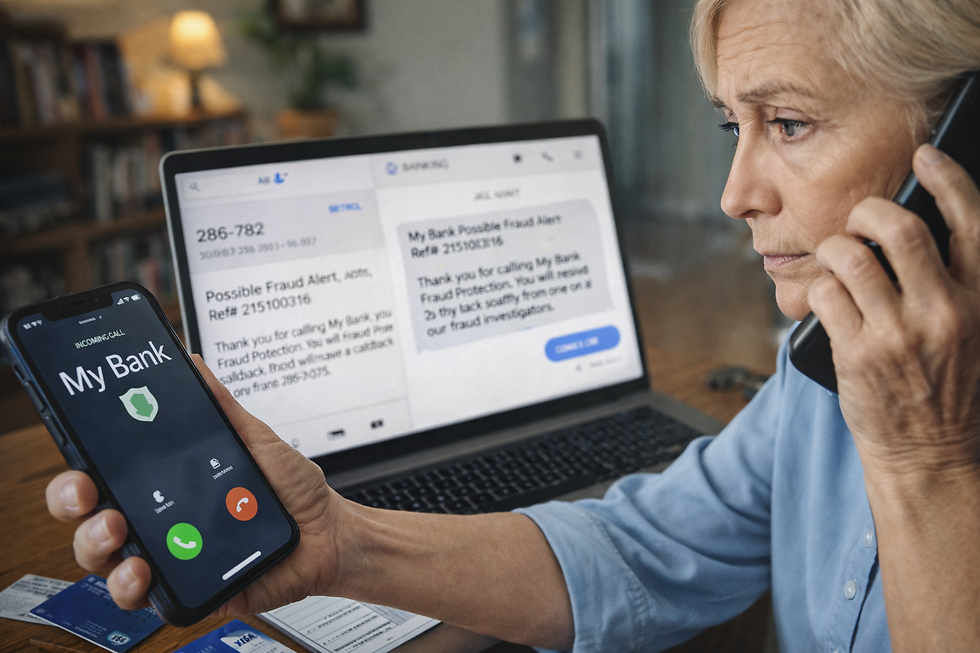
It starts with a simple notification. Maybe you are having your morning coffee or spending time with your grandchildren when your iPhone pings.
"Apple Pay Alert: Unauthorized purchase of MacBook Air ($1,157.07) detected at Apple Store #412. If you did not make this purchase, call the Apple Fraud Department immediately at 1-800-XXX-XXXX."
For most people, this triggers an immediate panic. You did not buy a laptop. You do not want to lose over a thousand dollars. This is exactly what scammers call the "hook." They are not hacking your phone. They are hacking your emotions.
A Real Example: "But the Code Came From Apple"
A recent victim in Alabama received a text exactly like the one above. He called the number and spoke to a man who identified himself as "Marcus from Apple Billing." Marcus was professional, patient, and sounded exactly like a legitimate corporate employee.
Marcus told him: "I can see the fraudulent order in our system. To cancel it and secure your account, I am going to send a verification code to your device. Just read it back to me so I know I am talking to the right person."
Seconds later, a six-digit code arrived by text, sent directly from Apple. Because the code looked real, the victim trusted the voice on the phone and read it aloud.
Here is what was actually happening. The scammer was not canceling any order. He was sitting at a computer attempting to log into the victim's Apple ID. When the victim read that code out loud, he was not verifying his identity. He was handing the scammer the key to bypass his own security. Within minutes, the scammer had changed the password, locked the victim out of his account, and used his stored credit card to purchase gift cards.
Why This Trick Is So Effective
This scam works because it hijacks Two-Factor Authentication, the very security feature designed to protect you.
First, the scammer triggers a password reset or new device request on your account. Then they stay on the phone with you, keeping your anxiety high, so you do not notice that the text message itself says "Do not share this code with anyone." The moment you read that code aloud, your account's security is gone. You have effectively handed a stranger the keys to your front door.
Why Your Phone Cannot Protect You From This
Apple and your bank have invested billions in encryption and security technology. But no software in the world can stop someone from voluntarily sharing a secret with a stranger. Once you read that code, the system believes you are the one logging in. This is also why recovering your money afterward is so difficult. Because you technically "authorized" the access, even unknowingly, banks and insurers often push back hard on refund requests.
This Is Exactly Why We Built OnGuardAI
At OnGuardAI, we believe technology should do more than encrypt data. It should protect people.
Your phone's security is built to stop hackers. OnGuardAI is built to stop scammers. Our AI listens to the context of a call in real time. The moment someone on the other end starts asking for a verification code or a security PIN, OnGuardAI recognizes the pattern for what it is.
It creates a critical pause, alerting both you and a trusted family member immediately. That second set of eyes is often all it takes to break the spell. A call that could have become a financial nightmare stops before any damage is done.
Three Rules to Share With Your Family Right Now
Apple will never call you and ask for a verification code. Ever.
Never trust your caller ID. Scammers can make a call appear to come from Apple, your bank, or any legitimate company.
If you feel panicked, hang up. Call the number printed on the back of your actual credit card, or go directly to the official website yourself. The panic fades the moment the phone is down, and clearer thinking returns.


Comments